
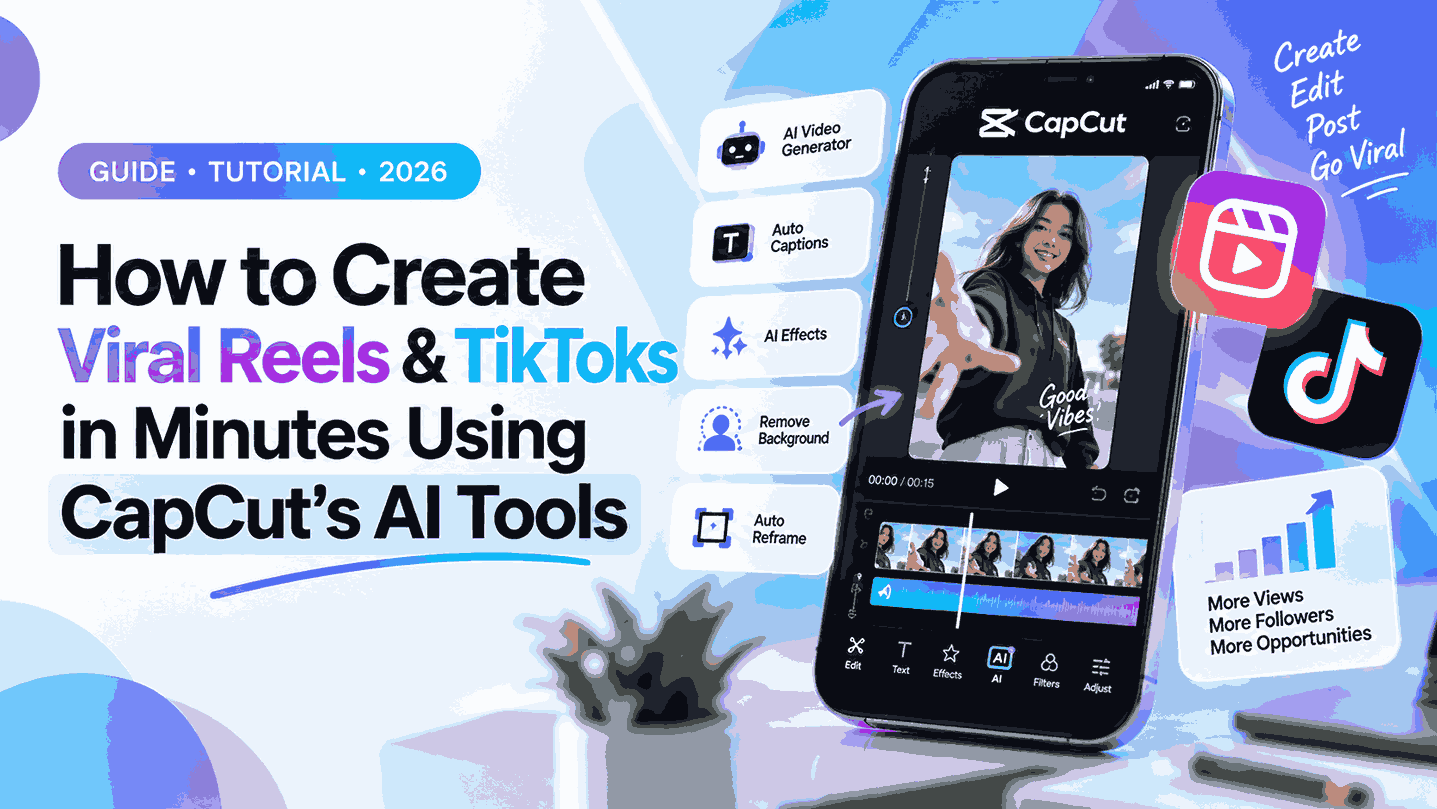
Want to go viral on TikTok or Instagram Reels but don’t have hours to edit? Short-form video is the king of content in 2026, and standing out online demands high-quality, fast-paced edits. Fortunately, CapCut’s latest AI tools have revolutionized video editing. You no longer need to be a professional editor to produce scroll-stopping content. This guide will show you how to leverage CapCut’s smartest features to automate the heavy lifting, boost your retention, and create viral-worthy videos in just a few minutes.
Why CapCut’s AI Tools Are a Game-Changer
The social media algorithm rewards two things: consistency and retention. If you aren’t posting frequently, your reach drops. However, manual editing is a massive bottleneck. CapCut bridges this gap by integrating powerful artificial intelligence directly into its interface, allowing you to completely bypass tedious, time-consuming tasks.
Whether it’s auto-generating dynamic captions, instantly reframing horizontal videos for vertical feeds, or using the “Script to Video” feature to turn a fleeting idea into a fully rendered clip, CapCut acts as your personal editing assistant. These tools are specifically trained on what works best for short-form platforms. This means the pacing, text styles, and visual effects are optimized for modern, short attention spans. It’s not just about saving time; it’s about strategically engineering your content for the algorithm to maximize engagement and shareability.
Step-by-Step: Crafting a Viral Video with CapCut AI
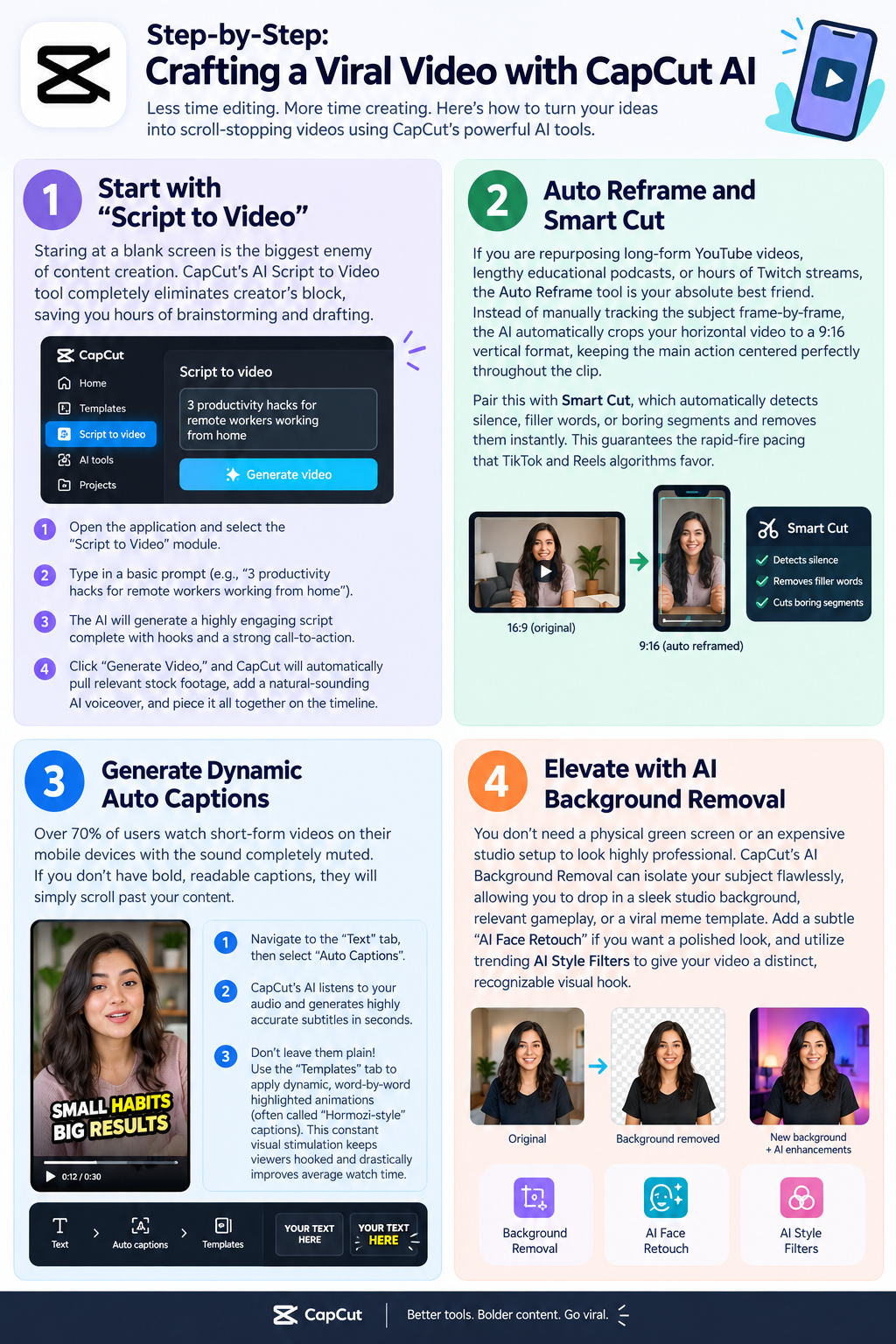
Step 1: Start with “Script to Video”
Staring at a blank screen is the biggest enemy of content creation. CapCut’s AI Script to Video tool completely eliminates creator’s block, saving you hours of brainstorming and drafting.
- Open the application and select the “Script to Video” module.
- Type in a basic prompt (e.g., “3 productivity hacks for remote workers working from home”).
- The AI will generate a highly engaging script complete with hooks and a strong call-to-action.
- Click “Generate Video,” and CapCut will automatically pull relevant stock footage, add a natural-sounding AI voiceover, and piece it all together on the timeline.
Step 2: Auto Reframe and Smart Cut
If you are repurposing long-form YouTube videos, lengthy educational podcasts, or hours of Twitch streams, the Auto Reframe tool is your absolute best friend. Instead of manually tracking the subject frame-by-frame, the AI automatically crops your horizontal video to a 9:16 vertical format, keeping the main action centered perfectly throughout the clip.
Pair this with Smart Cut, which automatically detects silence, filler words, or boring segments and removes them instantly. This guarantees the rapid-fire pacing that TikTok and Reels algorithms favor.
Step 3: Generate Dynamic Auto Captions
Over 70% of users watch short-form videos on their mobile devices with the sound completely muted. If you don’t have bold, readable captions, they will simply scroll past your content.
- Navigate to the “Text” tab, then select “Auto Captions”.
- CapCut’s AI listens to your audio and generates highly accurate subtitles in seconds.
- Don’t leave them plain! Use the “Templates” tab to apply dynamic, word-by-word highlighted animations (often called “Hormozi-style” captions). This constant visual stimulation keeps viewers hooked and drastically improves average watch time.
Step 4: Elevate with AI Background Removal
You don’t need a physical green screen or an expensive studio setup to look highly professional. CapCut’s AI Background Removal can isolate your subject flawlessly, allowing you to drop in a sleek studio background, relevant gameplay, or a viral meme template. Add a subtle “AI Face Retouch” if you want a polished look, and utilize trending AI Style Filters to give your video a distinct, recognizable visual hook.
Top 3 Secrets to Guarantee Viral Potential
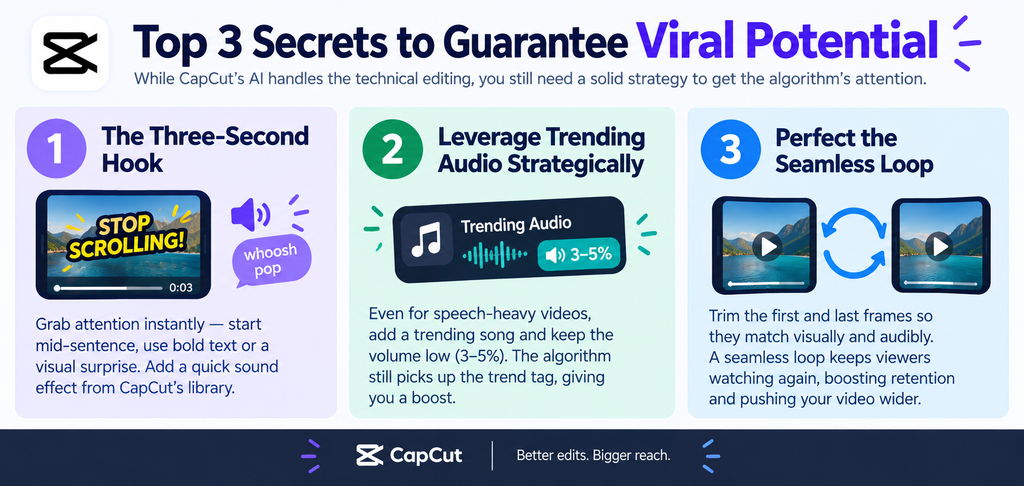
While CapCut’s AI handles the technical editing, you still need a foundational strategy to make the algorithm push your video to the masses.
- The Three-Second Hook: Your video must visually and audibly grab attention immediately. Start mid-sentence, use an aggressive text overlay, or introduce a sudden visual pattern interrupt. CapCut’s sound effect library is perfect for adding a “whoosh” or “pop” right at the very beginning to wake up the viewer.
- Leverage Trending Audio Strategically: Even if your video is heavily speech-based, always add a trending song in the background and turn the volume down to 3-5%. The platform’s algorithm will still register the trending audio tag, giving you a slight, invisible organic boost in the feed.
- Perfect the Seamless Loop: Edit your video so the ending seamlessly flows right back into the beginning. CapCut makes this easy—just trim the first and last frames so they match visually and audibly. A seamless loop tricks viewers into watching a second time, skyrocketing your retention metrics and signaling the algorithm to push it wider.
Conclusion
Creating viral Reels and TikToks doesn’t have to be a daily grind that leads to burnout. By fully embracing CapCut’s AI tools—from Script to Video and Auto Reframe to dynamic Auto Captions—you can produce professional, algorithm-friendly content in a fraction of the time. The key to modern growth is to let the software handle the tedious editing mechanics while you focus entirely on your creative strategy and messaging. Whether you are an aspiring influencer, a small business owner, or an established brand, scaling your video production is no longer optional. Start experimenting with these powerful AI features today, stay relentlessly consistent with your posting schedule, optimize your hooks, and watch your social media presence explode across all major platforms.



One thought on “How to Create Viral Reels & TikToks in Minutes Using CapCut’s AI Tools”