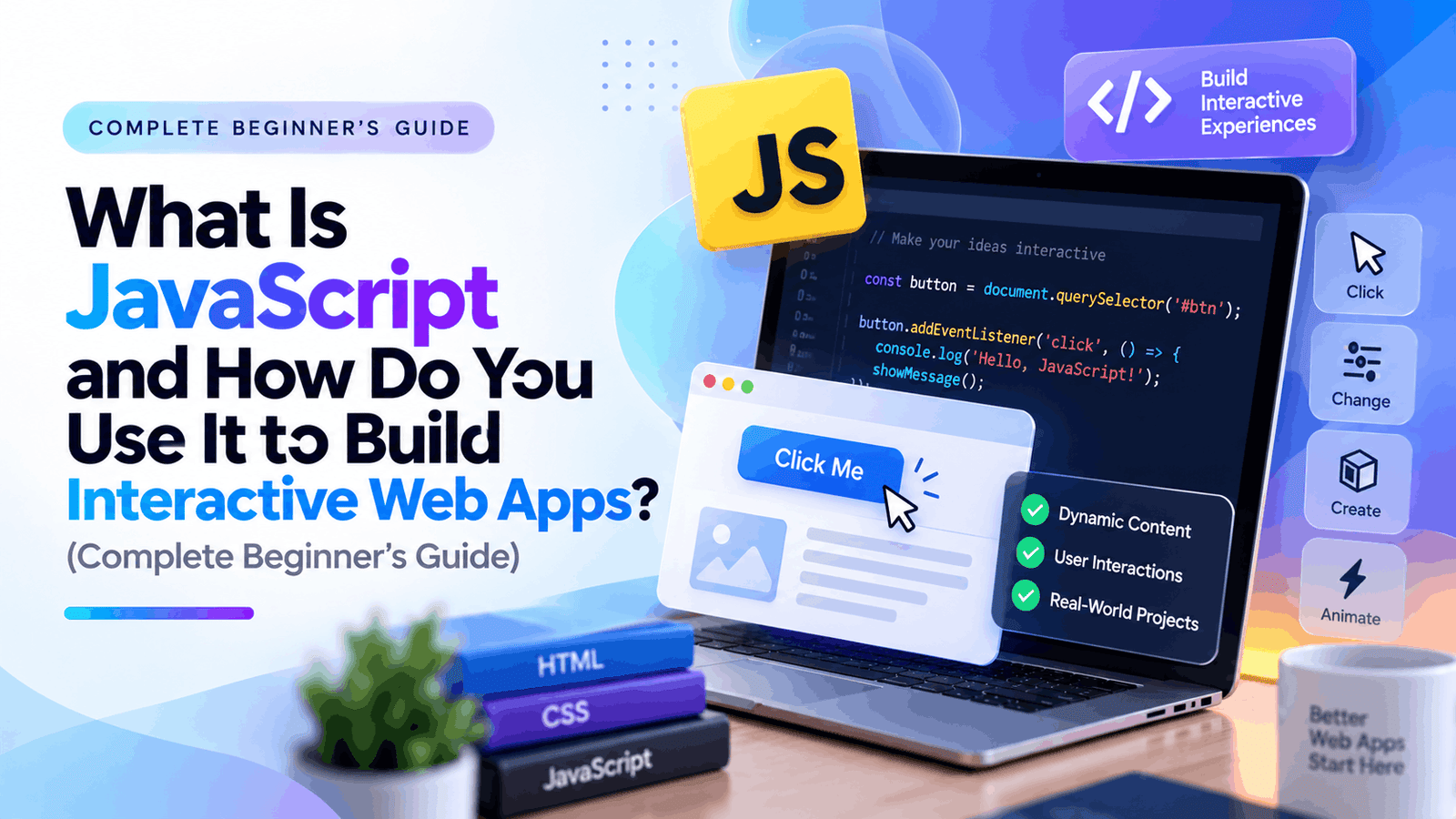
JavaScript is the programming language that transforms static web pages into interactive experiences. Whether you’re clicking a button, filling out a form, opening a menu, watching animations, or using an online calculator, JavaScript is usually working behind the scenes.
If you’re planning to become a web developer, JavaScript is one of the first programming languages you should master. Alongside HTML and CSS, it forms the foundation of modern web development. More importantly, JavaScript isn’t limited to websites—it powers mobile applications, desktop software, browser extensions, games, and even servers through Node.js.
In this beginner-friendly guide, you’ll learn JavaScript basics, understand how the Document Object Model (DOM) works, discover why learning Vanilla JavaScript first is important, write your first interactive click event, and know exactly when to deploy your first JavaScript project.
- JavaScript Beginner Bootcamp Syllabus
- What Is JavaScript?
- Why Learn JavaScript?
- JavaScript Basics Every Beginner Should Learn
- What Is the Document Object Model (DOM)?
- How DOM Manipulation Works
- Common DOM Methods
- Why Vanilla JavaScript Matters Before Frameworks
- How to Write Responsive Click Events
- Beginner Projects to Practice JavaScript
- Frequently Asked Questions (FAQ)
JavaScript Beginner Bootcamp Syllabus
Here’s a practical learning roadmap for beginners.
| Week | Topics | Project |
| Week 1 | JavaScript basics, variables, data types | Simple calculator |
| Week 2 | Functions, loops, conditions | Guess the Number game |
| Week 3 | DOM manipulation and events | Interactive to-do list |
| Week 4 | Arrays and Objects | Student record manager |
| Week 5 | APIs and Fetch | Weather application |
| Week 6 | Project deployment | Portfolio website |
By following this progression, you’ll develop both theoretical understanding and hands-on experience.
What Is JavaScript?
JavaScript is a scripting language used to make websites interactive.
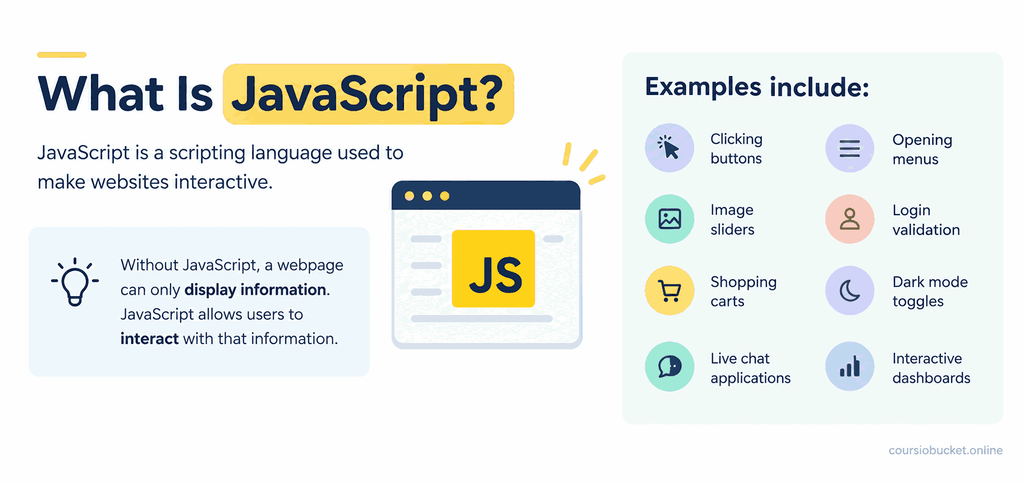
Without JavaScript, a webpage can only display information. JavaScript allows users to interact with that information.
Examples include:
- Clicking buttons
- Opening menus
- Image sliders
- Login validation
- Shopping carts
- Dark mode toggles
- Live chat applications
- Interactive dashboards
Think of website development like building a house:
- HTML creates the structure.
- CSS adds design and styling.
- JavaScript makes everything functional.
For example:
- HTML creates a button.
- CSS styles the button.
- JavaScript decides what happens after someone clicks it.
Why Learn JavaScript?
JavaScript is among the most demanded programming skills worldwide.
Learning JavaScript opens opportunities in:
- Front-end development
- Full-stack development
- Mobile app development
- Backend development with Node.js
- Game development
- Automation scripting
- Browser extension development
Popular companies such as Google, Netflix, Amazon, Microsoft, and Meta use JavaScript extensively.
If your goal is becoming a web developer, JavaScript is practically unavoidable.
JavaScript Basics Every Beginner Should Learn
Before building web applications, understand the core language.
Variables
Variables store information.
let name = “Alice”;
let age = 22;
Variables can store:
- Text
- Numbers
- True/False values
- Arrays
- Objects
Data Types
Common JavaScript data types include:
- String
- Number
- Boolean
- Null
- Undefined
- Object
- Array
Example:
let city = “London”;
let temperature = 24;
let raining = false;
Operators
Operators perform calculations.
let total = 5 + 3;
let difference = 8 – 2;
let product = 6 * 5;
let average = 20 / 4;
Conditional Statements
Conditions allow programs to make decisions.
if(age >= 18){
console.log(“Adult”);
}else{
console.log(“Minor”);
}
Loops
Loops repeat code efficiently.
for(let i=1; i<=5; i++){
console.log(i);
}
Functions
Functions organize reusable code.
function greet(name){
console.log(“Hello ” + name);
}
greet(“Sarah”);
Functions become essential when building larger applications.
What Is the Document Object Model (DOM)?
One of the biggest milestones in learning JavaScript is understanding the Document Object Model (DOM).
The DOM is a programming interface that represents every HTML element as an object JavaScript can access and modify.
Imagine this HTML:
<h1 id=”title”>Welcome</h1>
JavaScript can select this heading:
const heading = document.getElementById(“title”);
Now JavaScript can change it:
heading.innerText = “Hello World”;
The webpage updates instantly—without refreshing.
This ability is what makes websites interactive.
How DOM Manipulation Works
JavaScript performs three simple steps:
Step 1: Select an Element
const button = document.querySelector(“button”);
Step 2: Listen for an Event
button.addEventListener(“click”, function(){
});
Step 3: Change Something
button.addEventListener(“click”, function(){
document.body.style.background = “lightblue”;
});
When the button is clicked, the page background changes.
That’s DOM manipulation.
Common DOM Methods
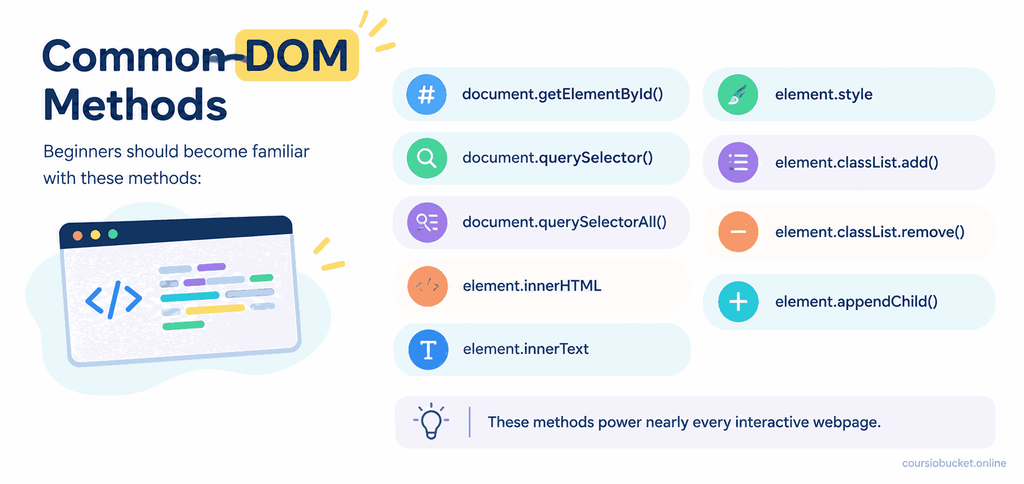
Beginners should become familiar with these methods:
document.getElementById()
document.querySelector()
document.querySelectorAll()
element.innerHTML
element.innerText
element.style
element.classList.add()
element.classList.remove()
element.appendChild()
These methods power nearly every interactive webpage.
Why Vanilla JavaScript Matters Before Frameworks
One of the biggest mistakes beginners make is jumping directly into frameworks like React, Vue, or Angular without understanding JavaScript itself.
Vanilla JavaScript simply means using plain JavaScript without additional libraries or frameworks.
Learning Vanilla JavaScript first helps you:
- Understand how browsers work.
- Learn programming logic instead of framework syntax.
- Debug errors more effectively.
- Build stronger coding habits.
- Transition to frameworks much faster.
Frameworks are tools that simplify development, but they rely on JavaScript fundamentals.
If you skip the basics, you’ll often struggle to understand what the framework is doing behind the scenes.
JavaScript Skills to Learn Before React
Before starting any JavaScript framework, make sure you’re comfortable with:
- Variables
- Functions
- Arrays
- Objects
- Loops
- Conditions
- Events
- DOM manipulation
- ES6 syntax
- Arrow functions
- Template literals
- Fetch API
- Async programming basics
These concepts appear in virtually every modern JavaScript framework.
How to Write Responsive Click Events
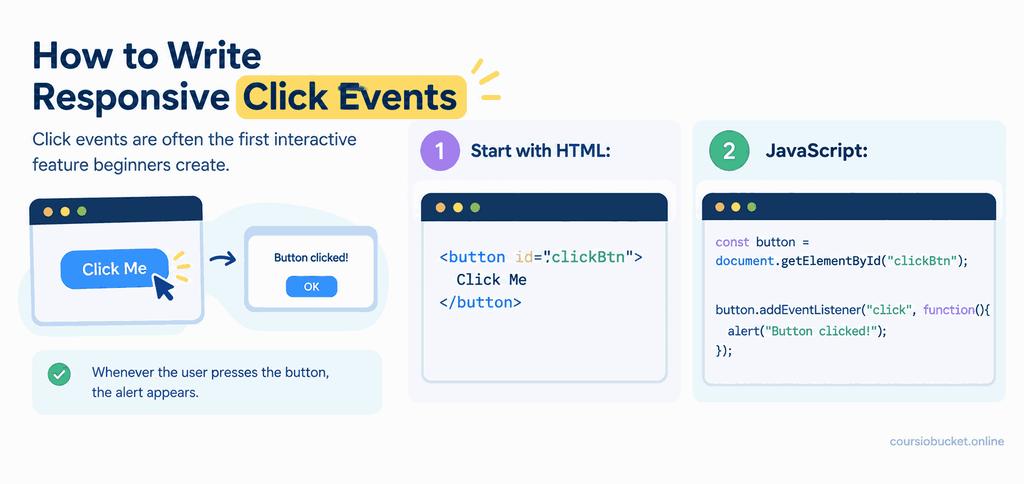
Click events are often the first interactive feature beginners create.
Start with HTML:
<button id="clickBtn">

Click Me

</button>

JavaScript:

const button =

document.getElementById("clickBtn");

button.addEventListener("click", function(){

   alert("Button clicked!");

});
Whenever the user presses the button, the alert appears.
Example: Change Text After Clicking
HTML:
<p id="message">

Welcome!

</p>

<button id="change">

Change Text

</button>

JavaScript:

const message =

document.getElementById("message");

const change =

document.getElementById("change");

change.addEventListener("click", function(){

message.innerText =

"You clicked the button!";

});
This is the foundation of interactive web applications.
Example: Toggle Dark Mode
const button =
document.getElementById(“theme”);
button.addEventListener(“click”, function(){
document.body.classList.toggle(“dark”);
});
A single click can completely change the appearance of a webpage.
Beginner Projects to Practice JavaScript
Hands-on practice is the fastest way to learn.
Try building:
- Calculator
- To-do list
- Counter app
- Stopwatch
- Weather app
- Quiz application
- Expense tracker
- BMI calculator
- Digital clock
- Color generator
Each project introduces new JavaScript concepts while reinforcing the basics.
When Should You Deploy Your First Script?
Many beginners wait until they feel “ready” before sharing their work. In reality, deploying small projects early is one of the best ways to learn.
You should consider deploying your first JavaScript project after you can:
- Manipulate the DOM.
- Handle click events.
- Use variables, functions, and arrays.
- Build a complete mini-project independently.
- Debug common browser errors.
A simple calculator, to-do list, or weather app is enough for your first deployment.
Deploying teaches you valuable skills such as organizing files, testing in different browsers, and sharing your work publicly.
Popular free hosting options include GitHub Pages, Netlify, and Vercel.
Common Mistakes Beginners Make
Avoid these common pitfalls:
- Copying code without understanding it.
- Skipping JavaScript fundamentals.
- Ignoring browser console errors.
- Memorizing syntax instead of solving problems.
- Jumping into frameworks too early.
- Not practicing consistently.
- Building only tutorial projects without experimenting.
Learning from mistakes is a normal part of becoming a developer.
Tips to Learn JavaScript Faster
To accelerate your progress:
- Practice coding every day, even for 20–30 minutes.
- Build small projects instead of only watching tutorials.
- Read and understand browser error messages.
- Break large problems into smaller tasks.
- Recreate simple websites with interactive features.
- Review your old code and improve it.
- Learn keyboard shortcuts and browser developer tools.
Consistency is more effective than occasional long study sessions.
Frequently Asked Questions (FAQ)
Is JavaScript difficult for beginners?
No. JavaScript has a gentle learning curve for basic concepts. While advanced topics take time, beginners can start creating interactive web pages after learning variables, functions, and DOM manipulation.
How long does it take to learn JavaScript?
With consistent practice, most learners can grasp JavaScript basics in 6–8 weeks. Becoming job-ready typically requires several months of project-based learning.
Should I learn HTML and CSS before JavaScript?
Yes. HTML provides structure, CSS handles styling, and JavaScript adds functionality. Understanding HTML and CSS first makes JavaScript much easier to learn.
What is the DOM in JavaScript?
The Document Object Model (DOM) is a browser representation of a webpage that lets JavaScript access, modify, and update HTML elements dynamically without reloading the page.
What is Vanilla JavaScript?
Vanilla JavaScript refers to plain JavaScript without frameworks or libraries. Learning it first builds a strong foundation before moving on to tools like React or Vue.
Which projects should beginners build?
Start with a calculator, counter app, to-do list, quiz, stopwatch, digital clock, or weather app. These projects reinforce core JavaScript concepts and prepare you for larger applications.
Can JavaScript be used outside the browser?
Yes. JavaScript also runs on servers using Node.js and is used to build APIs, desktop applications, mobile apps, command-line tools, and automation scripts.
FAQ Schema (JSON-LD)
{

  "@context": "https://schema.org",

  "@type": "FAQPage",

  "mainEntity": [

    {

      "@type": "Question",

      "name": "Is JavaScript difficult for beginners?",

      "acceptedAnswer": {

        "@type": "Answer",

        "text": "No. JavaScript is beginner-friendly for core concepts, and regular practice helps learners build interactive websites quickly."

      }

    },

    {

      "@type": "Question",

      "name": "What is the DOM in JavaScript?",

      "acceptedAnswer": {

        "@type": "Answer",

        "text": "The Document Object Model (DOM) is a browser interface that allows JavaScript to access and modify HTML elements dynamically."

      }

    },

    {

      "@type": "Question",

      "name": "What is Vanilla JavaScript?",

      "acceptedAnswer": {

        "@type": "Answer",

        "text": "Vanilla JavaScript is plain JavaScript without frameworks or libraries. It provides the essential skills needed before learning frameworks like React or Vue."

      }

    },

    {

      "@type": "Question",

      "name": "When should I deploy my first JavaScript project?",

      "acceptedAnswer": {

        "@type": "Answer",

        "text": "You can deploy your first project once you can build a small application using DOM manipulation, events, and basic JavaScript concepts such as functions and arrays."

      }

    }

  ]

}
Final Thoughts
Learning JavaScript is one of the best investments you can make if you’re interested in web development. By mastering the fundamentals—variables, functions, conditions, loops, and especially the Document Object Model (DOM)—you’ll be able to create engaging, interactive web apps from scratch. Focus on Vanilla JavaScript before exploring frameworks, practice by building real projects, and deploy your work early. With consistent effort, you’ll develop the confidence and skills needed to progress from JavaScript basics to modern full-stack development.