
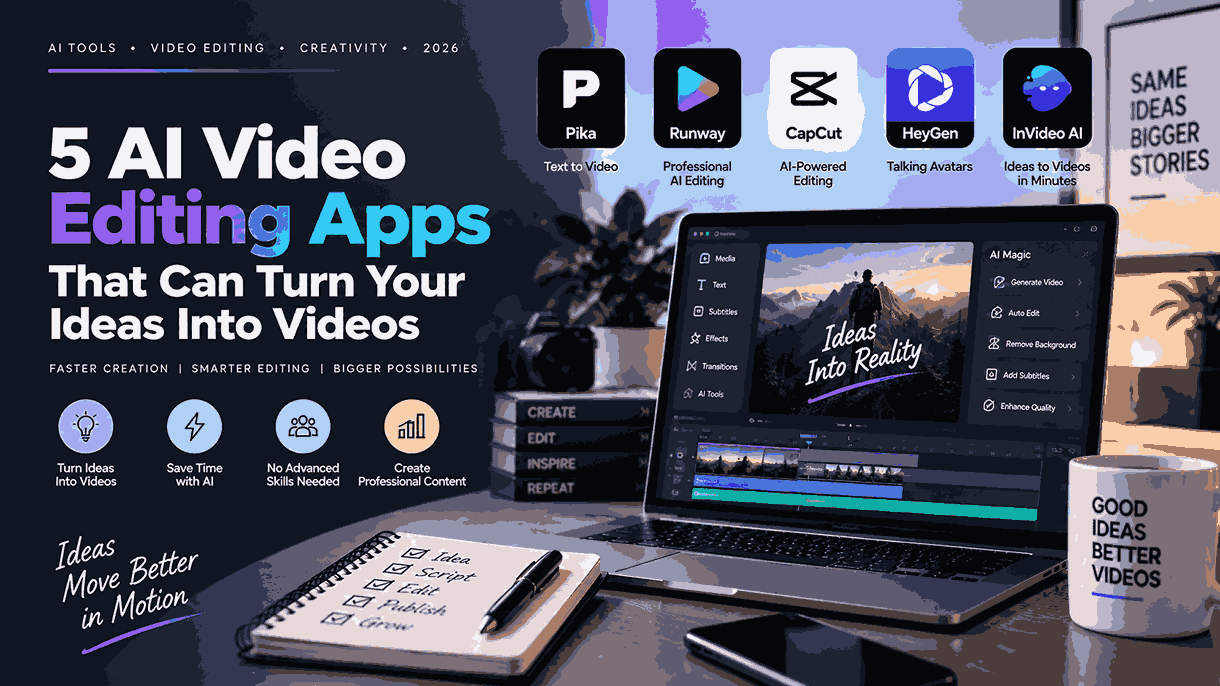
Creating videos used to require expensive software, complicated editing skills, and hours of manual work. Today, artificial intelligence is changing that process. AI-powered video editing apps can automatically generate captions, remove backgrounds, clean up audio, create clips, generate visuals, and even turn simple text prompts into video content.
For YouTube Shorts, Instagram Reels, TikTok-style videos, educational content, and promotional clips, these tools can dramatically reduce the time between having an idea and publishing a finished video.
Here are five AI video editing apps worth exploring if you want to create content faster without becoming a professional video editor.
1. CapCut
CapCut remains one of the most accessible AI-powered video editors for short-form creators. Its combination of traditional editing tools and AI features makes it particularly useful for people creating Shorts, Reels, and other social-media videos.
One of its biggest advantages is automatic caption generation. Instead of manually typing every sentence, creators can use AI-generated captions and then adjust the text, timing, and appearance.
CapCut also offers AI-powered tools for background removal, image generation, video effects, text-to-speech, and other creative tasks. These features can help transform a basic recording into a more polished social-media video.
For example, a creator can record a talking-head video, generate captions automatically, remove the background, add visual effects, and format the result for vertical video.
Best for: Beginners and social-media creators who want an all-in-one AI editor.
Also Read: How to Create Viral Reels & TikToks in Minutes Using CapCut’s AI Tools
2. Canva
Canva is best known as a graphic-design platform, but it has expanded significantly into AI-powered video creation.
Its video tools allow users to combine video clips, images, animations, text, music, and graphics without requiring professional editing experience. Canva’s AI features can also help creators generate content from written ideas and produce visual assets for videos.
This can be particularly useful for educational creators, marketers, bloggers, and businesses. Instead of filming every element themselves, they can combine AI-generated graphics, stock footage, animations, and text into a short video.
Canva is especially useful when the video needs a strong visual-design component, such as an infographic, presentation, product promotion, or educational Reel.
Best for: Creators who combine video with graphics, presentations, and visual content.
3. InVideo AI
InVideo AI takes the idea-to-video concept further by allowing users to describe the video they want using natural language.
Instead of starting with an empty timeline, you can provide a topic or detailed instruction and let the platform generate an initial video. Depending on the workflow, AI can help with the script, visuals, voiceover, subtitles, and editing.
This approach can save significant time for creators who regularly produce informational videos. For example, a creator could provide an idea such as “Create a 60-second educational video explaining five benefits of walking” and use the generated result as a starting point.
The first version may still require editing and fact-checking, but the ability to start with a complete draft can make the production process much faster.
Best for: Faceless-video creators, marketers, and people who want text-to-video workflows.
4. Adobe Express
Adobe Express combines simple video editing with Adobe’s growing collection of AI-powered creative tools. It is designed to make professional-looking content accessible to users who don’t want to learn complex software.
Creators can work with templates, video clips, graphics, text, audio, animations, and other design elements. AI-assisted tools can help with tasks such as generating visual content, removing backgrounds, and creating assets for social-media posts.
One advantage of Adobe Express is that video doesn’t have to exist separately from the rest of your content strategy. You can use the same platform for thumbnails, social graphics, promotional materials, and short videos.
Best for: Creators and small businesses that need video plus graphic-design tools.
5. VEED
VEED is an online video editor that places a strong emphasis on AI-assisted content creation. It is particularly useful for creators producing talking-head videos, educational content, marketing videos, and social-media clips.
Its AI tools can automatically generate subtitles, clean up audio, remove backgrounds, and assist with video creation. Automatic captions can be especially valuable for short-form content because viewers frequently watch social videos without sound.
VEED also provides browser-based editing, meaning users don’t necessarily need a powerful computer or a complicated desktop application to get started.
For creators who want to upload a recording and quickly turn it into a polished piece of content, this workflow can be very convenient.
Best for: Online creators who want AI-assisted editing directly in their browser.
AI Video Apps Compared
| App | AI Captions | Background Removal | Text-to-Video | Best For |
|---|---|---|---|---|
| CapCut | ✅ | ✅ | ✅ | Shorts & Reels |
| Canva | ✅ | ✅ | ✅ | Visual content |
| InVideo AI | ✅ | — | ✅ | Faceless videos |
| Adobe Express | ✅ | ✅ | ✅ | Creators & businesses |
| VEED | ✅ | ✅ | ✅ | Online video editing |
How AI Can Improve Your Video Workflow
The biggest advantage of AI video editing isn’t simply having more effects. It is reducing repetitive work.
Consider a typical talking-head video. Traditionally, you might need to manually remove mistakes, create captions, clean audio, add B-roll, remove the background, resize the video, and create different versions for different platforms.
AI can automate several of these tasks.
Automatic captions can turn speech into synchronized subtitles. Background-removal tools can isolate the subject without requiring complicated masking. AI audio tools can reduce unwanted noise, while automatic editing features can identify sections that may not be necessary.
Text-to-video tools can also help when you don’t have footage for every part of your idea. Instead of searching manually for every visual, you can start with a written concept and let AI create a first draft.
However, AI-generated videos should still be reviewed before publishing. Check captions for mistakes, verify factual claims, make sure generated visuals match your message, and adjust pacing so the final video feels intentional rather than completely automated.
Final Verdict
AI video editing is making professional-looking content much easier to produce. CapCut is excellent for short-form social content, Canva works particularly well for design-heavy videos, and InVideo AI is useful when you want to turn an idea or script into a complete video.
Adobe Express is a strong choice for creators who also need graphic-design tools, while VEED provides a convenient browser-based workflow with useful AI editing features.
You don’t need to use every AI feature available. The smartest approach is to choose the tools that eliminate the most repetitive parts of your workflow. Use AI for captions, background removal, audio cleanup, first drafts, and other time-consuming tasks—then use your own creativity to make the final video genuinely yours.
One thought on “5 AI Video Editing Apps That Can Turn Your Ideas Into Videos”