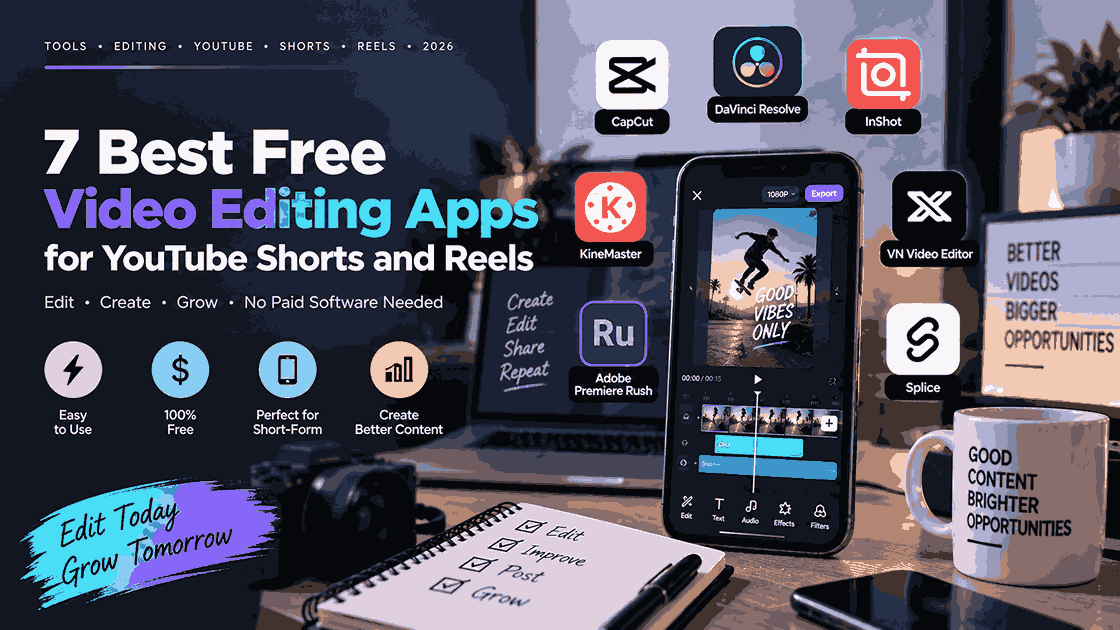
Short-form video has become one of the easiest ways for creators, educators, influencers, businesses, and beginners to reach an audience. YouTube Shorts and Instagram Reels make it possible to publish engaging videos without expensive cameras or professional editing software.
CapCut has been one of the most popular choices for this type of content, thanks to its templates, effects, captions, transitions, and beginner-friendly interface. However, it is not the only option. Several free video editing apps now offer powerful tools for creating Shorts and Reels, with some providing features that may fit your workflow better than CapCut.
Whether you want automatic captions, easy trimming, AI tools, no-watermark exports, or more advanced editing controls, these seven apps are worth trying.
Best Free Video Editing Apps for Shorts and Reels
| App | Best For | Key Features | Beginner Friendly |
|---|---|---|---|
| VN Video Editor | Advanced mobile editing | Multi-track timeline, keyframes, effects | ⭐⭐⭐⭐ |
| InShot | Quick Reels & Shorts | Captions, transitions, music, effects | ⭐⭐⭐⭐⭐ |
| YouTube Create | YouTube Shorts | Captions, audio cleanup, effects | ⭐⭐⭐⭐⭐ |
| YouCut | Simple mobile editing | AI captions, background removal, 4K | ⭐⭐⭐⭐⭐ |
| VLLO | No-watermark editing | Auto captions, AI tracking, background removal | ⭐⭐⭐⭐⭐ |
| KineMaster | Advanced mobile projects | Layers, chroma key, keyframes, AI tools | ⭐⭐⭐⭐ |
| Instagram Edits | Instagram creators | Editing, insights, ideas, Instagram integration | ⭐⭐⭐⭐⭐ |
1. VN Video Editor
VN Video Editor is one of the strongest CapCut alternatives for creators who want more control over their edits without moving to complicated desktop software.
The app uses a multi-track editing workflow that allows creators to combine video, audio, text, overlays, and other elements. This makes it useful for everything from talking-head Shorts to travel videos, tutorials, gaming clips, and promotional Reels.
VN is particularly appealing if you are beginning to outgrow basic editing apps. Instead of relying entirely on templates, you can manually control the timing and placement of different elements.
Best for: Creators who want advanced editing controls while staying on mobile.
2. InShot
InShot is one of the easiest choices for beginners. Its interface focuses on common editing tasks such as trimming, splitting, adding music, inserting text, applying transitions, and adjusting video formats.
The app also includes auto captions and a large collection of effects and creative tools.
For Reels and Shorts, simplicity is a major advantage. You can import your footage, cut out unnecessary sections, add captions or music, select a vertical format, and export the finished video without dealing with a complicated timeline.
Best for: Beginners who want to create Shorts and Reels quickly.
3. YouTube Create
If YouTube Shorts is your primary platform, YouTube Create deserves special attention. It is YouTube’s own video-editing application and is designed for both Shorts and longer videos.
YouTube says Create is free and without ads. It includes tools for trimming and combining clips, transitions, automatic captions, voiceovers, audio cleanup, background removal, filters, and effects.
This makes it particularly convenient for YouTube creators because the app is built specifically around the YouTube ecosystem.
The main limitation is availability and device requirements, so creators should check whether their device and region are supported.
Best for: YouTubers who primarily create Shorts.
4. YouCut
YouCut is another excellent option for creators who want a simple mobile editor. It supports basic editing tools such as trimming, splitting, cropping, merging, speed control, music, text, filters, and effects.
It also has newer AI-oriented features, including automatic captions, background removal, and video enhancement. YouCut supports exports up to 4K and promotes its free, no-watermark workflow.
For someone who wants to produce frequent Shorts or Reels without learning professional editing software, YouCut can be a practical alternative.
Best for: Beginners looking for a straightforward CapCut alternative.
5. VLLO
VLLO focuses on making professional-looking editing accessible to everyday creators. One of its major selling points is unlimited export without a watermark, according to its official website.
The app also includes tools such as auto captions, AI voice, AI tracking, and AI background removal. These features can be especially useful for talking-head videos and social-media content where captions and visual effects are important.
VLLO is a good choice if you want an editor that feels simple but still gives you access to more advanced creative tools.
Best for: Creators who prioritize easy editing and clean exports.
6. KineMaster
KineMaster is aimed at creators who want more advanced editing capabilities on a phone or tablet. It offers multi-layer editing, keyframes, color grading, chroma key, blending modes, speed controls, and audio tools.
Its AI features have also expanded, with tools for automatic captions, background removal, noise reduction, vocal separation, and other editing tasks. KineMaster supports exports up to 4K at 60fps.
The additional controls make it a strong choice for creators producing more complicated Shorts, gaming edits, educational videos, and promotional content.
Best for: Intermediate creators who want professional-style mobile editing.
7. Instagram Edits
Instagram’s Edits app is another interesting CapCut alternative, particularly for people who primarily publish Instagram Reels.
The app was designed as a dedicated mobile creation platform rather than simply another basic editor. It includes editing tools along with features for organizing ideas, creating content, sharing drafts, and viewing performance insights.
That combination can make Edits especially useful for Instagram-focused creators. Instead of switching between multiple apps for planning, editing, and checking performance, creators can keep more of their workflow within the Meta ecosystem.
Best for: Instagram creators who want an integrated Reels workflow.
Which CapCut Alternative Should You Choose?
The best app depends on the type of content you create.
If you are completely new to video editing, InShot and YouCut are excellent starting points. Their interfaces are designed around quick edits, making them suitable for beginners who mainly need trimming, music, text, captions, and effects.
For YouTube creators, YouTube Create is particularly attractive because it is designed specifically for YouTube content and supports both Shorts and longer videos.
If you want more editing control, VN Video Editor and KineMaster are better choices. They allow creators to build more complicated compositions instead of relying primarily on simple templates.
For Instagram-focused creators, Edits is worth experimenting with because it combines video creation with Instagram-oriented workflow and insights.
Meanwhile, VLLO stands out for creators who specifically value clean, watermark-free exports, while also offering AI-powered editing tools.
Tips for Making Better Shorts and Reels
Choosing the right editing app is only part of creating successful short-form content. The quality of the idea, opening hook, pacing, captions, and storytelling can matter just as much.
Start your video with something that gives viewers a reason to continue watching. Avoid unnecessary introductions and get to the main point quickly.
Use captions when appropriate, particularly for talking-head or educational videos. Keep text large enough to read on a smartphone and avoid placing important information too close to the edges of the screen.
Finally, don’t overload your videos with transitions and effects. A clean edit with strong pacing can often be more effective than a video filled with visual effects.
Final Verdict
CapCut may be one of the most recognizable names in short-form video editing, but creators have plenty of alternatives.
InShot and YouCut are excellent for simple editing, while VN Video Editor and KineMaster offer greater control. YouTube Create is a natural choice for YouTube creators, Edits makes sense for Instagram-focused workflows, and VLLO is worth considering if watermark-free exporting is important to you.
The best approach is to test two or three apps rather than immediately committing to one. Once you find an editor that lets you create videos quickly without getting in your way, consistency becomes much easier—and consistency is one of the most important advantages a short-form creator can have.