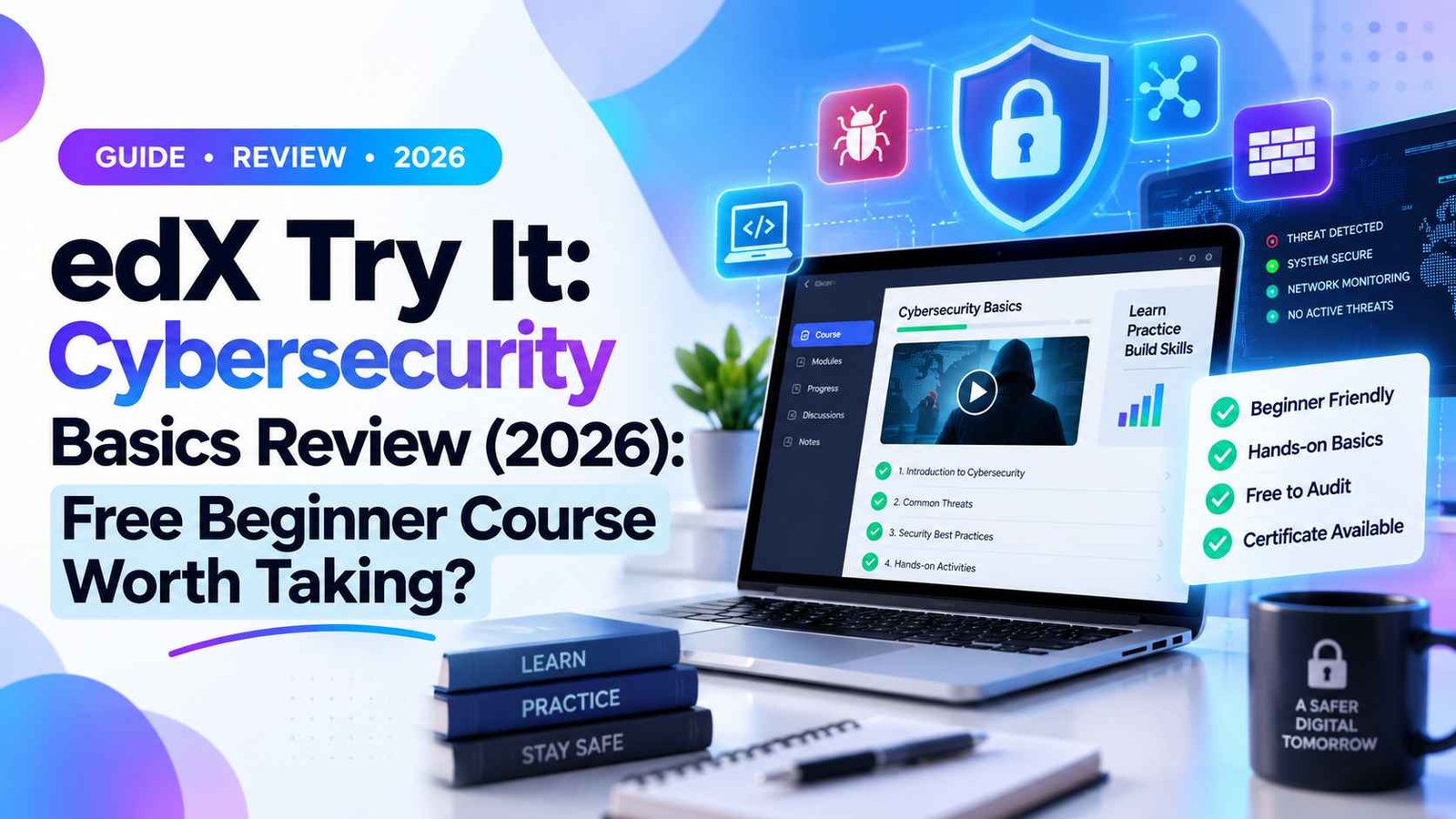
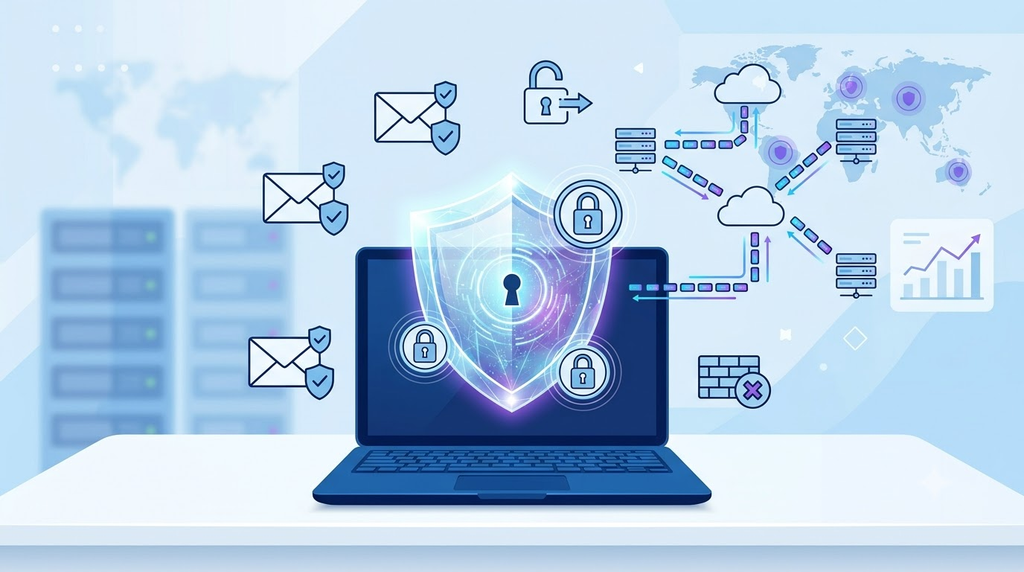
Cybersecurity is one of the most important digital skills today. Every day, people use online banking, email, cloud storage, social media, and digital payment apps, making them potential targets for cyber threats. Even if you are not an IT professional, understanding basic cybersecurity can help protect your personal information and online identity.
If you want to learn cybersecurity without spending money or studying technical concepts, edX Try It: Cybersecurity Basics is an excellent starting point. It is a short, beginner-friendly course designed to teach essential cybersecurity awareness through interactive activities instead of lengthy lectures.
In this review, we’ll explore everything you need to know about this free edX course, including its curriculum, learning experience, certificate options, advantages, limitations, and whether it’s worth taking in 2026.
- edX Try It: Cybersecurity Basics — Quick Overview
- Quick Verdict
- What is edX Try It: Cybersecurity Basics?
- Who Should Take This Course?
- Ideal Learners
- Not Ideal For
- What You’ll Learn in the Course
- 1. Introduction to Cybersecurity
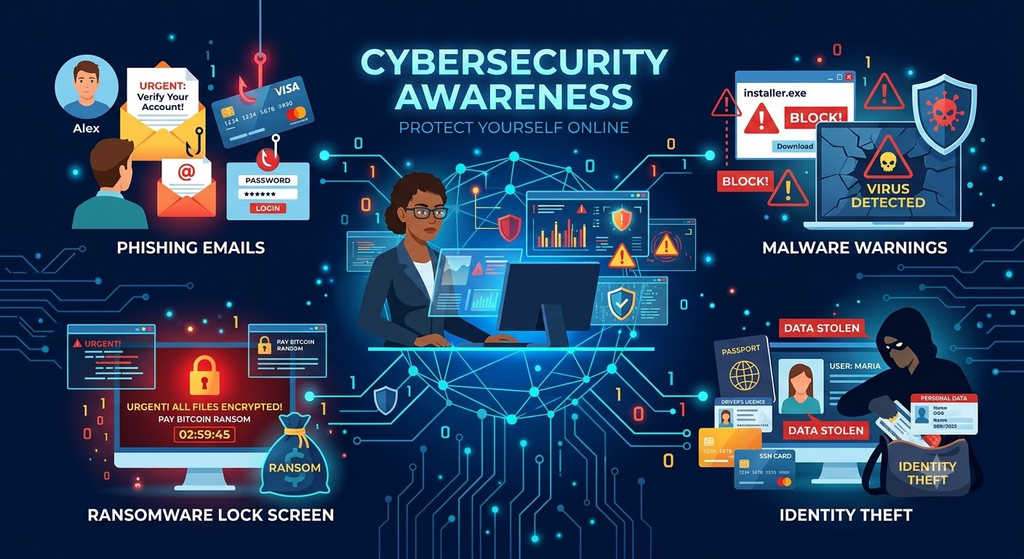
- 2. Common Cyber Threats
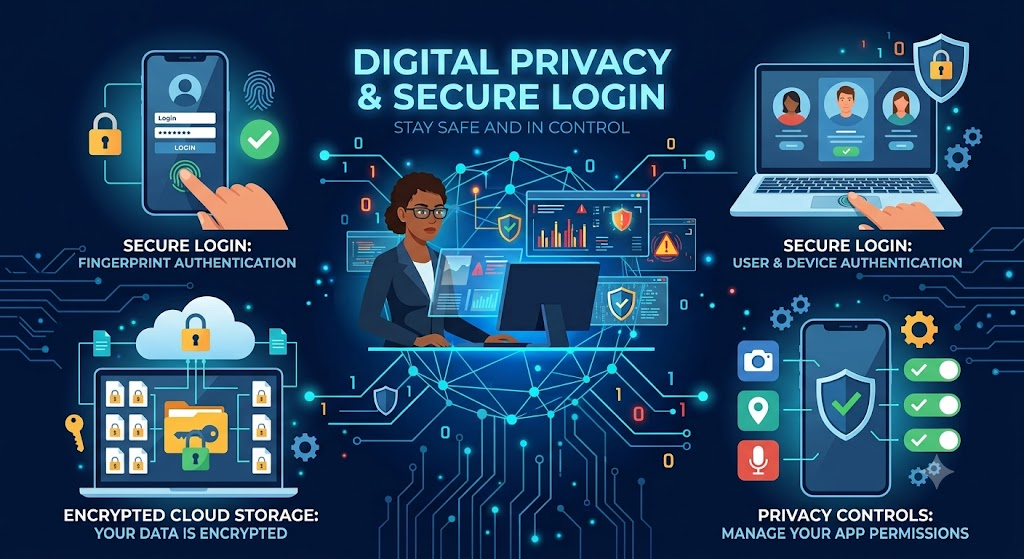
- 3. Password Security and Multi-Factor Authentication
- 4. Safe Internet Browsing
- 5. Cybersecurity in Everyday Life
- Course Learning Experience
- Skills You’ll Gain After Completing the Course
- Key Skills
- How Long Does the Course Take?
- Is edX Try It: Cybersecurity Basics Really Free?
- Free Access Includes
- Paid Upgrade Includes
- Certificate Details
- What the Certificate Includes
- Should You Buy the Certificate?
- What Makes This Course Different?
- Practical Lessons Include
- Pros of edX Try It: Cybersecurity Basics
- 1. Completely Beginner Friendly
- 2. Very Short and Easy to Finish
- 3. Interactive Learning
- 4. Useful Across Different Careers
- 5. Self-Paced Learning
- Cons of the Course
- Limitations
- Who Will Benefit the Most?
- Can This Course Help Your Career?
- Best Courses to Take After This
- edX Try It: Cybersecurity Basics vs Google Cybersecurity Certificate
- Is edX Try It: Cybersecurity Basics Worth Taking in 2026?
- Why We Recommend It
- Final Verdict
- Is edX Try It: Cybersecurity Basics completely free?
- Do I need programming knowledge for this course?
- How long does it take to complete?
- Is the certificate worth buying?
- Is this course suitable for healthcare or MPH students?
edX Try It: Cybersecurity Basics — Quick Overview
| Feature | Details |
|---|---|
| Course Name | Try It: Cybersecurity Basics |
| Platform | edX |
| Provider | edX |
| Level | Beginner |
| Duration | 30–60 minutes |
| Price | Free to learn |
| Certificate | Optional paid verified certificate |
| Learning Format | Interactive lessons and activities |
| Prerequisites | None |
Quick Verdict
Rating: 8.8/10
This course is an excellent free introduction to cybersecurity. It focuses on practical digital safety rather than technical cybersecurity tools, making it ideal for complete beginners.
Best For: Students, healthcare professionals, office workers, teachers, freelancers, and anyone interested in improving cybersecurity awareness.
What is edX Try It: Cybersecurity Basics?
edX Try It: Cybersecurity Basics is a short interactive course that introduces learners to the fundamentals of cybersecurity. Instead of teaching coding or ethical hacking, it focuses on understanding common cyber threats and developing safe online habits.
The course belongs to edX’s Try It series, which offers quick skill-building experiences that can be completed in under an hour.
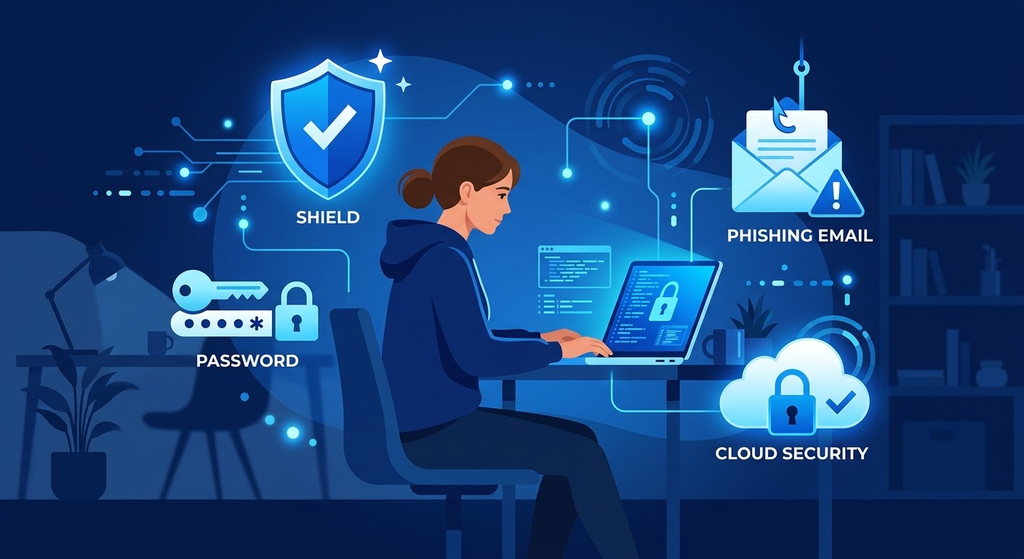
You’ll learn how cyber attacks happen, how hackers target everyday users, and how to protect yourself while using the internet.
Who Should Take This Course?
This course is designed for anyone who uses the internet regularly and wants to improve their cybersecurity knowledge.
Ideal Learners
- College and university students.
- Healthcare and public health professionals.
- Teachers and educators.
- Office employees.
- Freelancers and remote workers.
- Small business owners.
- General internet users.
Not Ideal For
- Ethical hacking learners.
- Cybersecurity engineers.
- Network administrators.
- Professionals looking for penetration testing skills.
If you’re completely new to cybersecurity, this course is one of the easiest ways to start learning.
What You’ll Learn in the Course
The course teaches practical cybersecurity concepts that can be applied immediately in everyday digital life.
1. Introduction to Cybersecurity
You’ll understand what cybersecurity means and why it matters in today’s connected world.
Topics include:
- Meaning of cybersecurity.
- Importance of protecting digital information.
- Personal and organizational cybersecurity.
- Common cyber risks.
- Digital assets and sensitive information.
This module builds the foundation for the rest of the course.
2. Common Cyber Threats
This section introduces different types of cyber attacks in simple language.
Topics covered include:
- Phishing attacks.
- Malware.
- Ransomware.
- Spyware.
- Identity theft.
- Social engineering.
- Password attacks.
The lessons focus on recognizing threats rather than technical attack methods.
3. Password Security and Multi-Factor Authentication
This is one of the most practical modules in the course.
You’ll learn:
- How to create strong passwords.
- Why password managers are useful.
- Two-factor authentication.
- Multi-factor authentication.
- Best practices for securing online accounts.
These tips can immediately improve your online security.
4. Safe Internet Browsing
This module teaches safe browsing habits that reduce cybersecurity risks.
Topics include:
- HTTPS and secure websites.
- Safe downloads.
- Risks of public Wi-Fi.
- Browser security.
- Software updates.
- Device protection.
The course explains how simple habits can prevent many cyber attacks.
5. Cybersecurity in Everyday Life
The final module connects cybersecurity concepts with daily digital activities.
You’ll learn about:
- Mobile device security.
- Social media privacy.
- Cloud storage safety.
- Email security.
- Protecting personal information online.
This module makes cybersecurity relevant for non-technical users.
Course Learning Experience
Unlike traditional online courses, this course uses interactive activities throughout the lessons.
Instead of watching long videos, learners complete:
- Interactive scenarios.
- Knowledge checks.
- Mini quizzes.
- Practical decision-making exercises.
- Visual cybersecurity examples.
This learning style makes the course engaging and easy to complete within an hour.
Skills You’ll Gain After Completing the Course
By the end of the course, you’ll gain practical cybersecurity awareness skills.
Key Skills
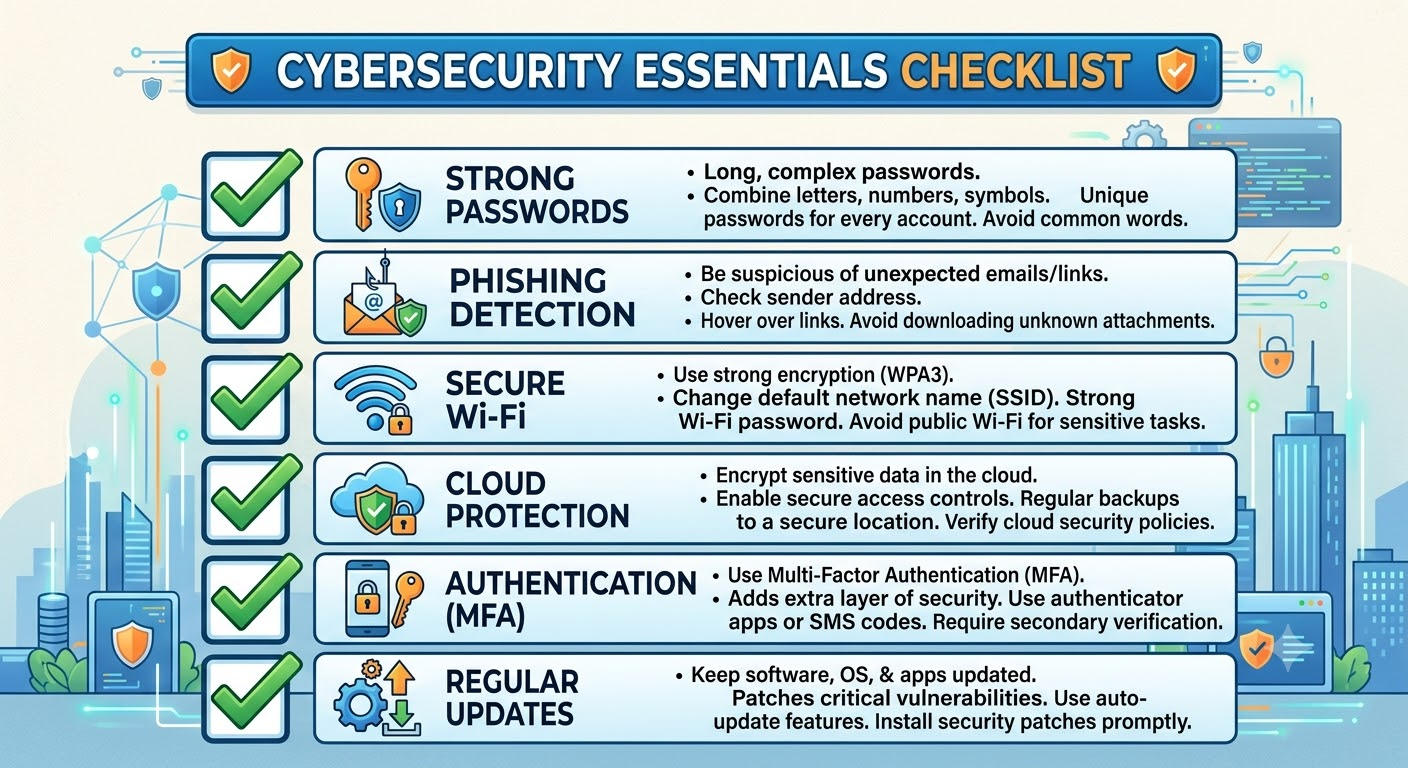
- Creating secure passwords.
- Identifying phishing emails.
- Using multi-factor authentication.
- Safe browsing practices.
- Protecting personal information online.
- Recognizing common cyber scams.
- Understanding digital privacy basics.
These skills are useful for both personal and professional life.
How Long Does the Course Take?
This is a micro-course designed for busy learners.
| Learning Pace | Estimated Time |
|---|---|
| Quick Completion | 30 minutes |
| Average Learner | 45 minutes |
| With Activities and Notes | Around 1 hour |
You can complete the course in one sitting.
Is edX Try It: Cybersecurity Basics Really Free?
Yes. The course content is available for free on edX.
Free Access Includes
- Interactive lessons.
- Activities.
- Self-paced learning.
- Course completion.
Paid Upgrade Includes
- Verified digital certificate.
- Identity verification.
- Shareable credential for LinkedIn and resume.
If your goal is learning cybersecurity basics, the free version is sufficient.
Certificate Details
Learners can purchase an optional Verified Certificate after completing the course.
What the Certificate Includes
- Official digital certificate from edX.
- Verified learner identity.
- LinkedIn-ready credential.
- Resume-friendly proof of completion.
Should You Buy the Certificate?
Buy it if:
- You’re building a LinkedIn profile.
- You want proof of professional development.
- You’re applying for internships or jobs.
Skip it if you’re only learning for personal knowledge.

What Makes This Course Different?
Many beginner cybersecurity courses focus heavily on theory.
This course focuses on everyday cybersecurity awareness through interactive practice.
Practical Lessons Include
- Spotting phishing emails.
- Creating secure passwords.
- Protecting mobile devices.
- Using MFA.
- Safe browsing.
- Avoiding online scams.
Every lesson is designed for real-life digital situations.
Pros of edX Try It: Cybersecurity Basics
1. Completely Beginner Friendly
No prior knowledge or programming experience is required.
2. Very Short and Easy to Finish
You can complete the course within an hour.
3. Interactive Learning
Activities and quizzes make learning more engaging than video-only courses.
4. Useful Across Different Careers
Cybersecurity awareness is valuable for students, healthcare workers, educators, office professionals, and freelancers.
5. Self-Paced Learning
You can start, pause, and complete the course anytime.
Cons of the Course
While the course is excellent for beginners, it has some limitations.
Limitations
- Very short course.
- Does not teach ethical hacking.
- No programming or Python.
- No networking labs.
- No penetration testing tools.
- Certificate requires payment.
This course is meant for awareness, not technical cybersecurity training.
Who Will Benefit the Most?
| Learner Type | Recommendation |
|---|---|
| College Students | ⭐⭐⭐⭐⭐ |
| MPH & Healthcare Students | ⭐⭐⭐⭐⭐ |
| Office Professionals | ⭐⭐⭐⭐⭐ |
| Teachers & Educators | ⭐⭐⭐⭐ |
| Freelancers | ⭐⭐⭐⭐ |
| IT Beginners | ⭐⭐⭐⭐ |
| Ethical Hacking Aspirants | ⭐⭐ |
Healthcare professionals handling patient records and digital health systems can especially benefit from cybersecurity awareness.
Can This Course Help Your Career?
Although this course won’t prepare you for cybersecurity analyst jobs, it helps develop an important workplace skill.
It can strengthen:
- Resume skills section.
- LinkedIn certifications.
- Internship applications.
- Professional development portfolio.
- Digital literacy skills.
It’s also a good stepping stone before enrolling in longer cybersecurity certifications.
Best Courses to Take After This
After completing this beginner course, consider these learning paths:
| Course | Level |
|---|---|
| Google Cybersecurity Professional Certificate | Beginner to Intermediate |
| IBM Cybersecurity Fundamentals | Beginner |
| Cisco Introduction to Cybersecurity | Beginner |
| Microsoft Cybersecurity Analyst Learning Path | Intermediate |
| ISC2 Certified in Cybersecurity (CC) | Beginner Certification |
These courses provide deeper technical knowledge and career-focused cybersecurity skills.
edX Try It: Cybersecurity Basics vs Google Cybersecurity Certificate
| Feature | edX Try It | Google Cybersecurity Certificate |
|---|---|---|
| Cost | Free | Paid Subscription |
| Duration | 30–60 minutes | 3–6 months |
| Level | Beginner | Beginner–Intermediate |
| Coding Required | No | Basic Python Included |
| Hands-on Labs | Interactive Activities | Real Security Labs |
| Career Preparation | Awareness Skills | Entry-Level Cybersecurity Roles |
If you’re exploring cybersecurity for the first time, edX is the easier starting point.
Is edX Try It: Cybersecurity Basics Worth Taking in 2026?
Yes. This course is worth taking if you want a quick and practical introduction to cybersecurity.
Why We Recommend It
- Free learning experience.
- Less than one hour to complete.
- Interactive lessons.
- No technical background required.
- Useful digital safety skills.
- Optional verified certificate.
It’s especially valuable for students and professionals who want to improve cybersecurity awareness without committing to a long certification program.
Final Verdict
edX Try It: Cybersecurity Basics is one of the best free cybersecurity awareness courses for complete beginners in 2026.
It teaches essential online safety skills like password security, phishing detection, secure browsing, multi-factor authentication, and privacy protection through short interactive lessons.
While it doesn’t replace professional cybersecurity certifications, it provides a solid foundation that prepares learners for more advanced courses from Google, IBM, Cisco, Microsoft, or ISC2.
If you’re looking for a free, beginner-friendly cybersecurity course that you can finish in under an hour, this course is definitely worth adding to your learning roadmap.
Frequently Asked Questions (FAQs)
Is edX Try It: Cybersecurity Basics completely free?
Yes. You can access and complete the course content for free. The verified certificate is optional and paid.
Do I need programming knowledge for this course?
No. The course is designed for learners with no coding or IT background.
How long does it take to complete?
Most learners complete it within 30 to 60 minutes.
Is the certificate worth buying?
If you need a credential for LinkedIn, your resume, or professional development, the verified certificate can be useful.
Is this course suitable for healthcare or MPH students?
Yes. It teaches cybersecurity awareness relevant to handling digital health records, emails, cloud storage, and sensitive information in healthcare settings.