
Transitioning from traditional sketching to drawing on an iPad or graphics tablet can feel intimidating. Between mastering layer blend modes, brush dynamics, and pressure sensitivity, beginner artists often waste weeks struggling with complex software interfaces. Enrolling in structured Domestika illustration courses shortcuts that friction by placing working industry veterans directly at your digital drafting table.
Whether your creative goal involves painting whimsical storybook worlds, designing stylized game protagonists, or executing editorial layouts, high-caliber instruction turns confusing tablet gestures into intuitive artistic reflexes. We analyzed curriculum depth, project quality, and instructor clarity across the catalog to identify the absolute best courses available for digital artists today.
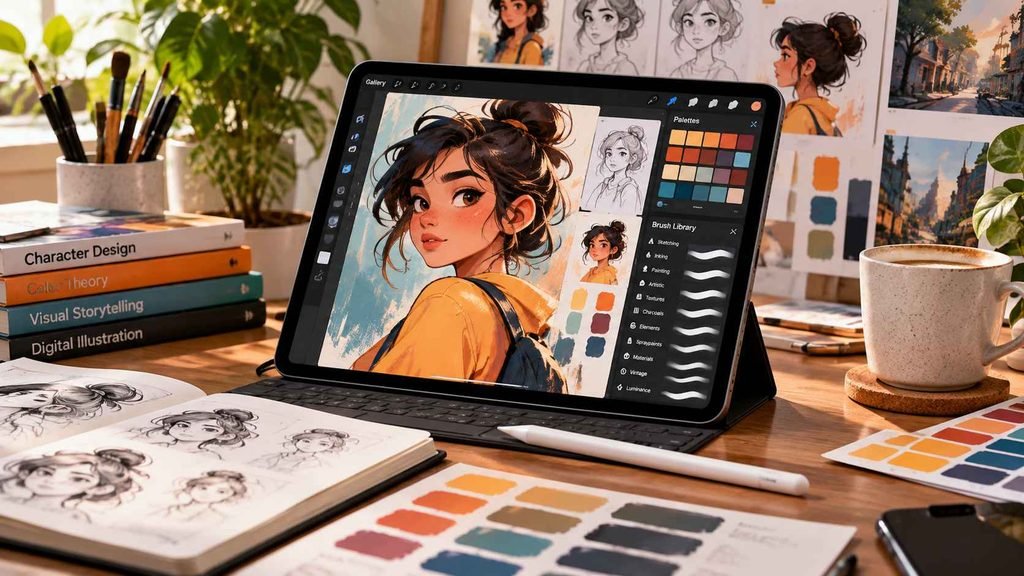
Why Domestika Illustration Courses Excel for Tablet Beginners
Domestika approaches creative instruction with a cinematic, studio-first format that stands apart from standard video tutorials. Rather than simply showing you where menu buttons live, each course pairs practical software fundamentals with classical art principles like lighting, silhouette blocking, and color harmony.
Learning within this ecosystem also encourages broader creative cross-pollination. When comparing options among the best online course platforms, Domestika stands out for its high production values and project-focused milestones. If your goal includes preparing standalone assets for social media or marketing collateral, learning how to use Canva’s AI background remover for clean graphics provides a useful supplementary trick to extract your hand-drawn assets for quick commercial promotions.
1. Procreate for Beginners: Digital Illustration 101 by Brad Woodard
This multi-part Domestika Basics series serves as the definitive onboarding ramp for iPad users. Woodard systematically breaks down canvas setup, gestures, selection masks, and non-destructive layering without overwhelming beginners with technical jargon. By the final module, students build a finished multi-layer character illustration ready for export.
2. Introduction to Procreate by Román García Mora
Román García Mora approaches digital drawing through the lens of a professional scientific and concept illustrator. He emphasizes fine motor control, custom brush calibration, and lighting values that make flat 2D shapes pop off the glass screen. His breakdown of Procreate’s perspective guides is particularly valuable for architectural and background sketching.
3. Children’s Illustration with Procreate: Paint Magical Scenes by Lucy Fleming
Lucy Fleming teaches you how to infuse digital artwork with warmth, storybook nostalgia, and tactile grain. Students explore character silhouettes, narrative lighting, and texture overlays that replicate traditional colored pencil and gouache marks. If your dream is illustrating picture books, this curriculum provides an actionable portfolio centerpiece.
4. Fantasy Character Design in Procreate by Nicholas Kole
Industry character designer Nicholas Kole brings experience from Disney and gaming franchises to this deep visual development class. Kole guides learners through thumbnailing, costume silhouettes, and facial anatomy while maintaining bold, clean shapes. It is an ideal masterclass for anyone aspiring to work in visual entertainment design.
5. Digital Illustration: Create Manga Characters by Catalina Carlesi
Designed for fans of Japanese sequential art, Catalina Carlesi demystifies the dynamic expressions and sharp line work characteristic of contemporary manga. The course covers proportional body construction, stylized hair rendering, and multi-tone cell shading on tablets. It delivers an excellent foundation for aspiring webcomic creators.
6. Atmospheric Scenes in Procreate: Paint with Color and Light by Ramona Wultschner
Ramona Wultschner focuses on emotional storytelling through environmental illumination. Rather than obsessing over hyper-detailed line art, she trains your eye to paint with broad value shapes, atmospheric haze, and ambient reflections. This class helps intermediate painters break free from stiff, rigid linework.
7. Drawing 101: Introduction to Digital Illustration by Jean Fraisse
If you have never practiced formal observational drawing, Jean Fraisse provides the foundational bedrock you need before touching complex software brushes. He explores how to simplify complex real-world forms into primitive volumes, manage foreshortening, and construct believable digital planes.
8. Concept Art: Character Design & Worldbuilding by Even Amundsen
Even Amundsen challenges artists to look beyond surface aesthetics and anchor characters in believable lore and cultural context. His lectures emphasize visual storytelling, material rendering, and lighting mood boards. It is a rigorous track built for creators wanting to pitch cohesive narrative IPs.
9. Colorful Digital Illustration in Procreate by Bett Norris
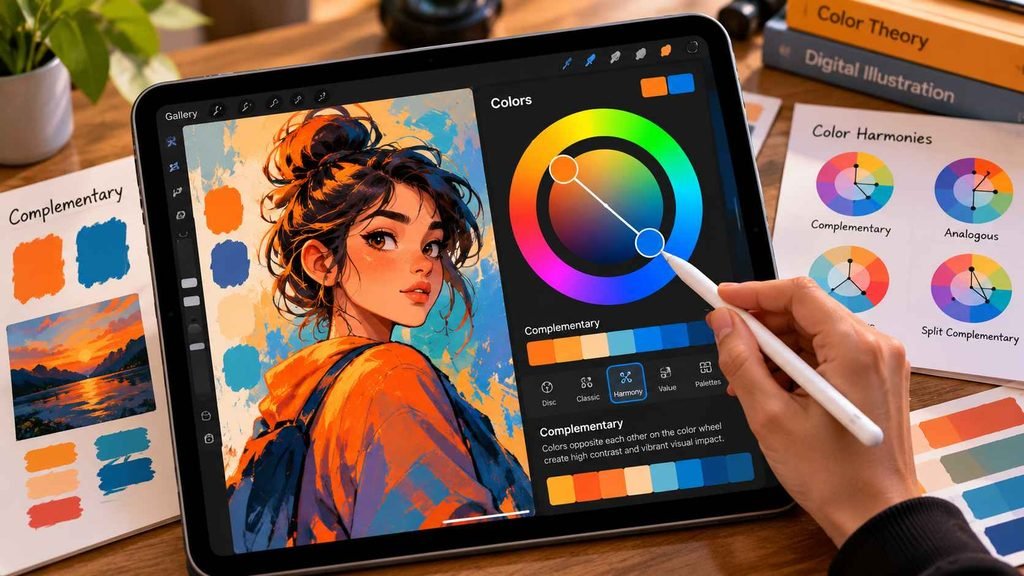
Bett Norris introduces a cheerful, modern vector-adjacent aesthetic using raster brushes. She focuses on bold palette selection, negative space, and textured graphic shapes common in commercial editorial illustration. It is a fantastic option for creators wanting to monetize lifestyle prints and product packaging.
10. Procreate Illustration: Sketching Techniques for the Everyday by Simone Grünewald
Simone Grünewald translates traditional sketchbook habits into effortless digital workflows. Her class emphasizes quick poses, expressive line economy, and daily creative prompts that eliminate the paralysis of the blank digital canvas. It provides the perfect daily routine to maintain consistent creative momentum.
Comparing the Top Domestika Illustration Courses
| Course & Instructor | Core Focus | Primary Software | Skill Level | Final Deliverable |
| Procreate 101 (Brad Woodard) | UI, Gestures, & Layers | Procreate | Absolute Beginner | Polished Layered Illustration |
| Intro to Procreate (Román García Mora) | Brushes & Perspective | Procreate | Beginner | Dimensional Sci-Fi Scene |
| Children’s Illustration (Lucy Fleming) | Whimsical Lighting & Mood | Procreate | Beginner–Intermediate | Storybook Page Spread |
| Fantasy Character Design (Nicholas Kole) | Visual Development & Shapes | Procreate / Photoshop | Intermediate | Narrative Character Sheet |
| Manga Characters (Catalina Carlesi) | Expressive Linework & Shading | Procreate / Clip Studio | Beginner–Intermediate | Stylized Manga Hero |
| Atmospheric Scenes (Ramona Wultschner) | Mood, Light, & Values | Procreate | Intermediate | Cinematic Landscape |
| Drawing 101 (Jean Fraisse) | Structural Anatomy & Volume | Any Digital App | Beginner | Volume-Based Form Study |
| Concept Art (Even Amundsen) | Worldbuilding & Rendering | Photoshop / Painter | Intermediate–Advanced | Worldbuilding Concept Pack |
| Colorful Illustration (Bett Norris) | Commercial Color & Flat Art | Procreate | Beginner | Editorial Art Print |
| Everyday Sketching (Simone Grünewald) | Gestural Speed & Figure Work | Procreate | All Levels | Complete Digital Sketchbook |
Technical Foundations for Tablet Artists
Mastering digital illustration requires treating your tablet like a disciplined studio instrument. Setting your initial canvas to a minimum of 300 DPI protects your work from pixelation should you ever transition from screen to physical art prints.
Color management also demands early attention. Working primarily in the RGB color space ensures your digital paintings preserve their bright, dynamic luminance on modern retina screens. If you ever plan to animate your illustrations or translate characters into video sequences, reviewing a graphic design, video editing, and motion graphics masterclass expands your digital pipeline beyond static illustrations.
Frequently Asked Questions
Do I need an iPad Pro to take these illustration courses?
No. An entry-level iPad supporting the Apple Pencil handles the vast majority of course exercises effortlessly. While an iPad Pro offers higher RAM for managing massive canvas sizes and extensive layer counts, standard models run Procreate smoothly for everyday study and portfolio creation.
Are Domestika illustration courses taught in English?
Domestika produces courses worldwide in languages including English, Spanish, Portuguese, and French. Every class features professional studio audio alongside meticulously synchronized closed captions and subtitles in multiple languages, making learning straightforward regardless of the instructor’s native tongue.
How do Domestika Basics bundles differ from standard courses?
Standard courses represent a single, focused 2-to-4-hour curriculum centered around a specific project. Domestika Basics series bundle multiple progressive courses into one comprehensive package, guiding beginners through software navigation from fundamental toolbars to advanced rendering techniques.
Selecting the right course comes down to your immediate artistic focus. If you just bought your first tablet, begin with Brad Woodard’s foundational class to master gestures and toolbars. If you already feel comfortable navigating software, dive into Lucy Fleming or Nicholas Kole’s project tracks to develop your distinctive visual voice. Pick a curriculum, fire up your stylus, and bring your creative ideas to life.